Why We Use Dynamic QR Codes for Events (and a Tool We Recommend)
2/1/2026
At SDIETTechies, every event—workshops, meetups, hackathons—relies on smooth check-in and registration. One of the simplest upgrades we made was moving to dynamic QR codes for tickets and check-in. Here’s why they matter and a tool we’re happy to recommend.
Why dynamic QR codes?
Static QR codes point to a fixed URL. If you need to change the link (e.g. update the registration page or fix a typo), you have to reprint or redistribute the code. With dynamic QR codes, the short link stays the same but the destination can be updated anytime. That’s ideal for:
- Event tickets: One QR per attendee; the link can point to a unique check-in URL that you control.
- Last-minute changes: Fix landing pages or redirect to a backup without changing the printed or digital QR.
- Analytics: Many dynamic QR tools let you see scans and engagement, so you know how many people actually used the code.
For a student community that runs events often, that flexibility saves time and avoids “wrong link” confusion.
How we use them
We generate a unique QR code for each event registration. Attendees get it on their confirmation (and can pull it up on their phone). At the venue, we scan the code to mark them as checked in. The underlying URL is managed on our side, so we can keep the same QR format while changing backend logic or pages when needed. Dynamic codes make that possible without re-issuing tickets.
A tool we recommend: UseQR
When we looked for a simple way to create and manage dynamic QR codes (for side events, flyers, or quick links), we tried a few generators. UseQR stood out as a straightforward dynamic QR code generator: you get short, editable links and QR codes that you can update anytime without reprinting.
If you’re running events, sharing links on posters, or need one place to manage multiple QR codes, it’s worth checking out: https://www.useqr.codes.
UseQR in action
Each of these screenshots shows a different side of UseQR—from creating codes to editing links and viewing stats. All use square, high-quality exports so you can drop them into designs or print without losing clarity.
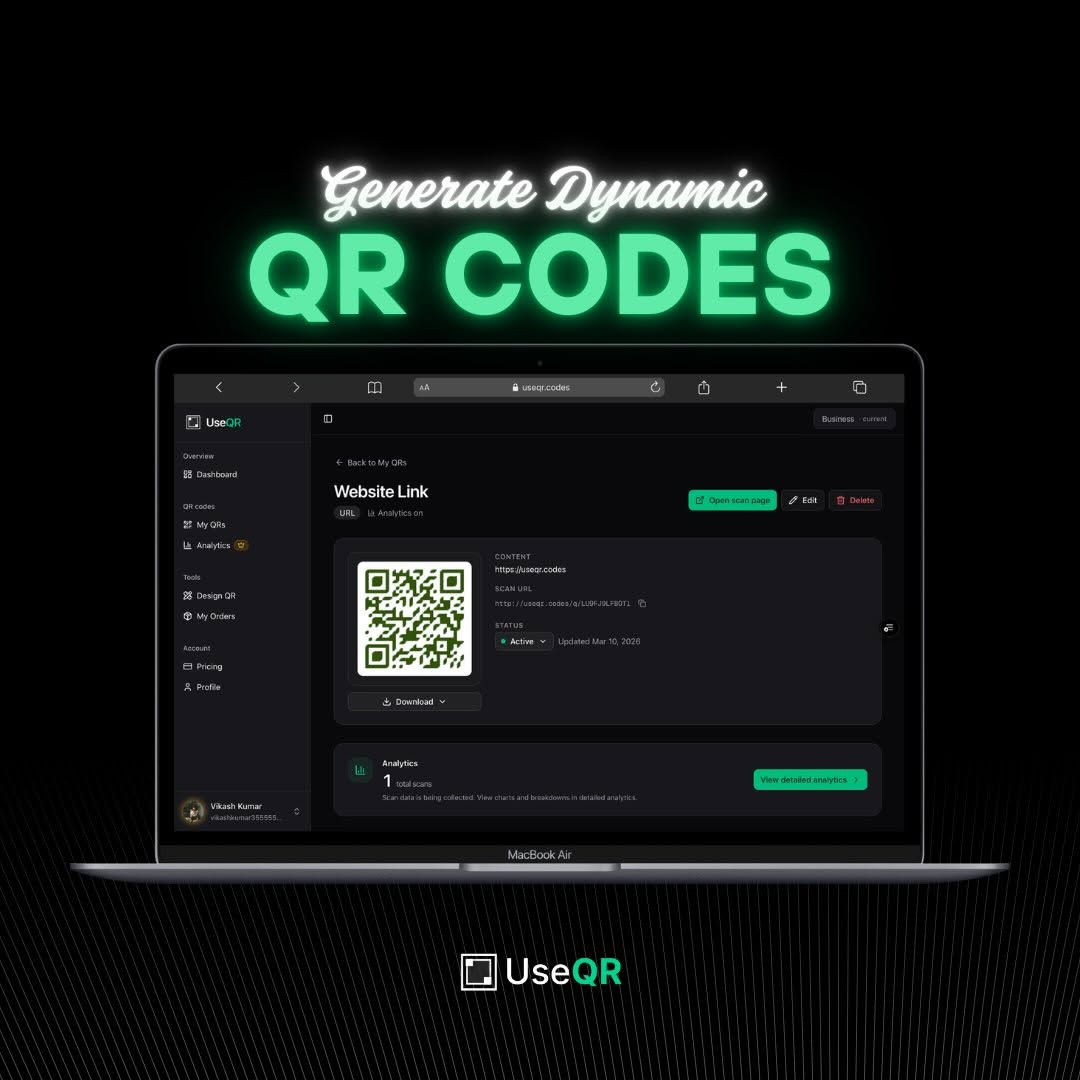
Create and generate dynamic QR codes in seconds.
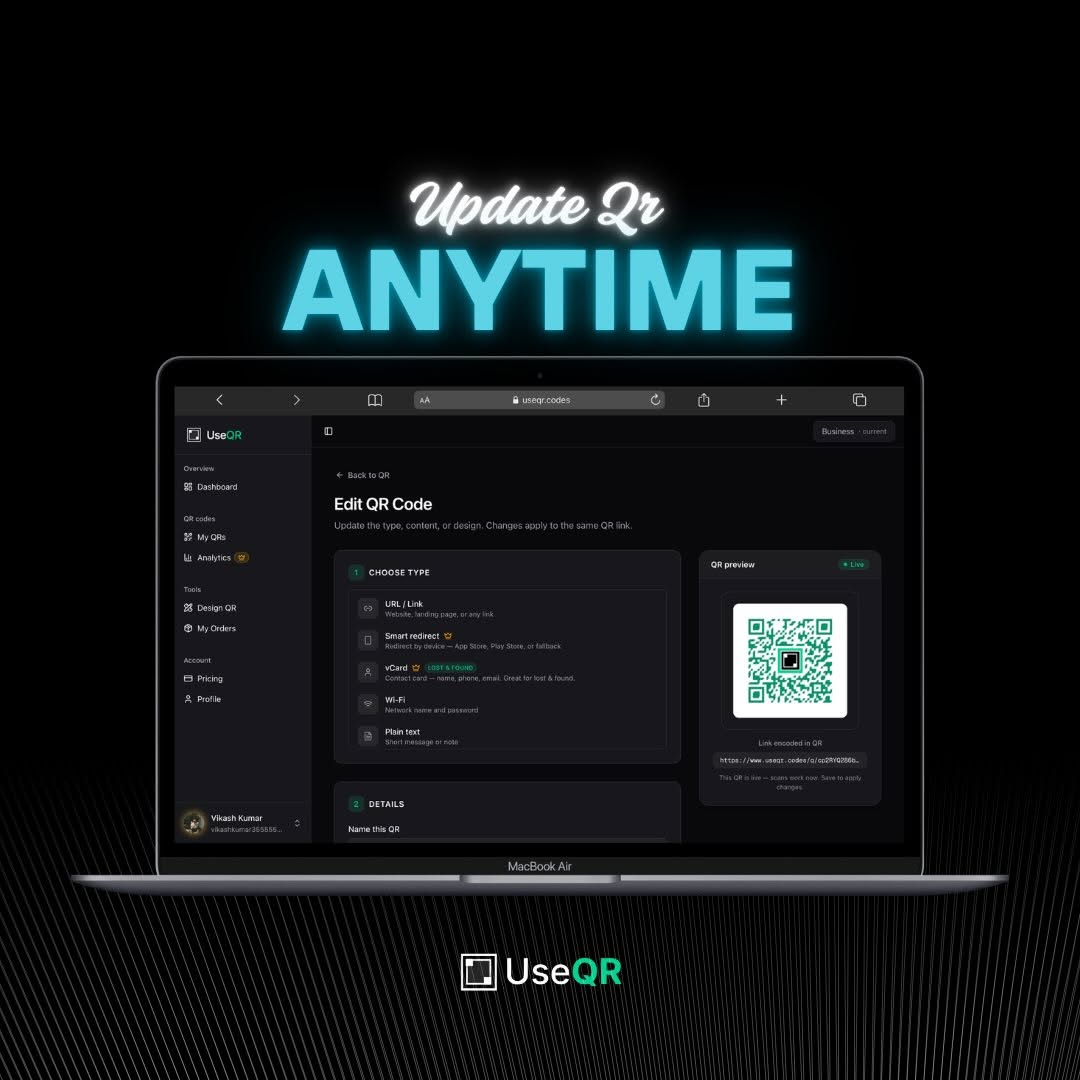
Edit the destination URL anytime—no need to reprint or reshare the QR.
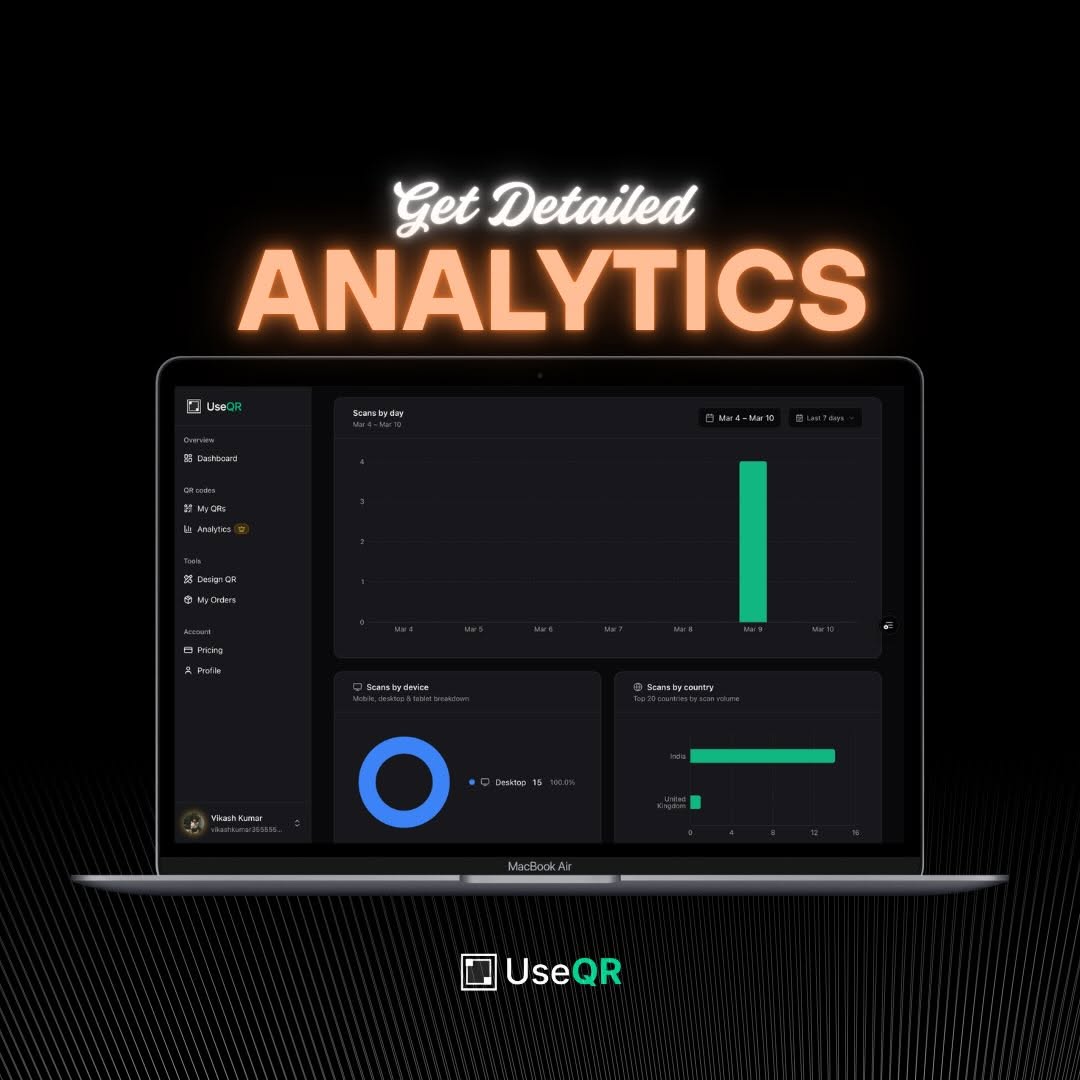
See analytics and scan insights to understand how your QR codes perform.
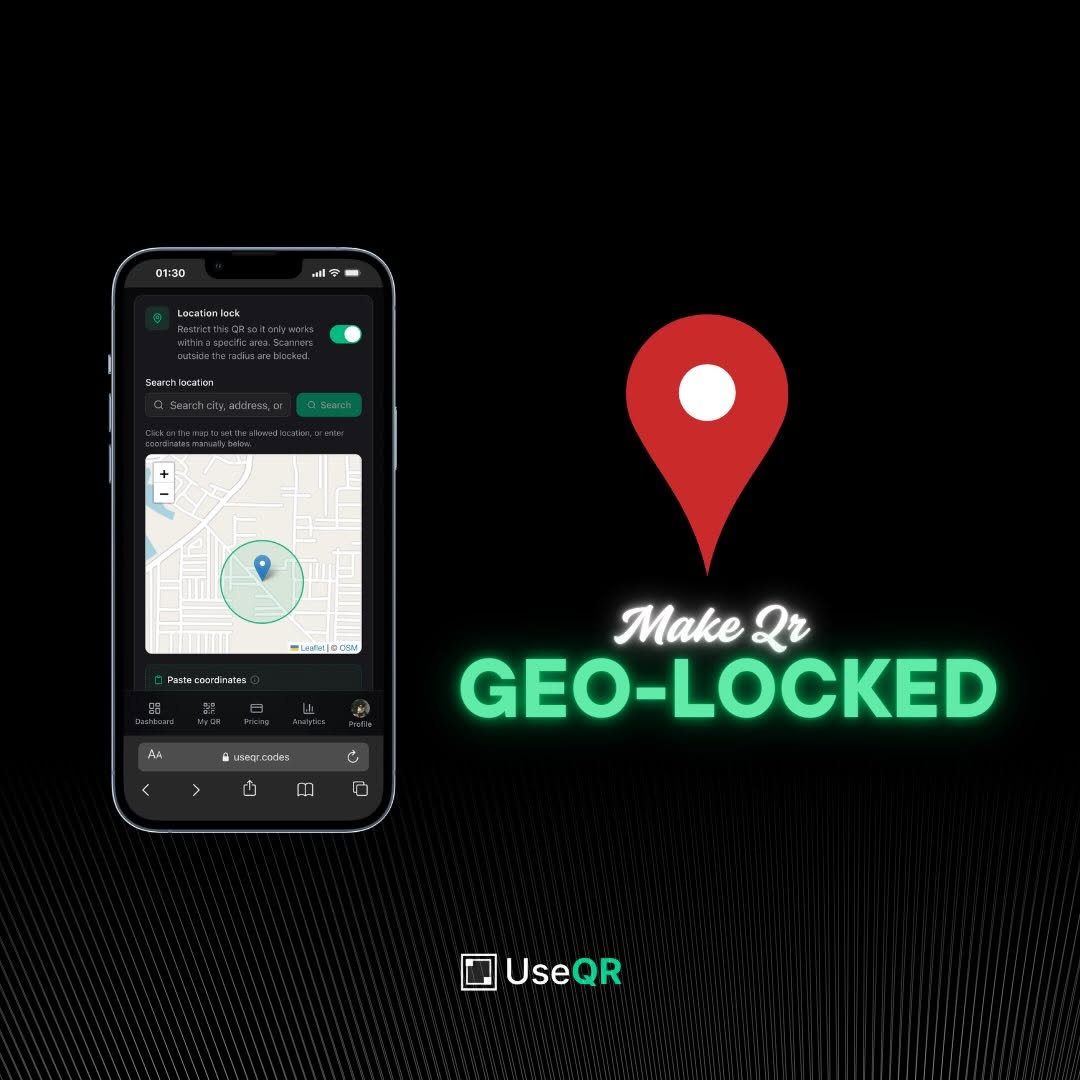
Customize design and branding so your QR codes match your events or brand.
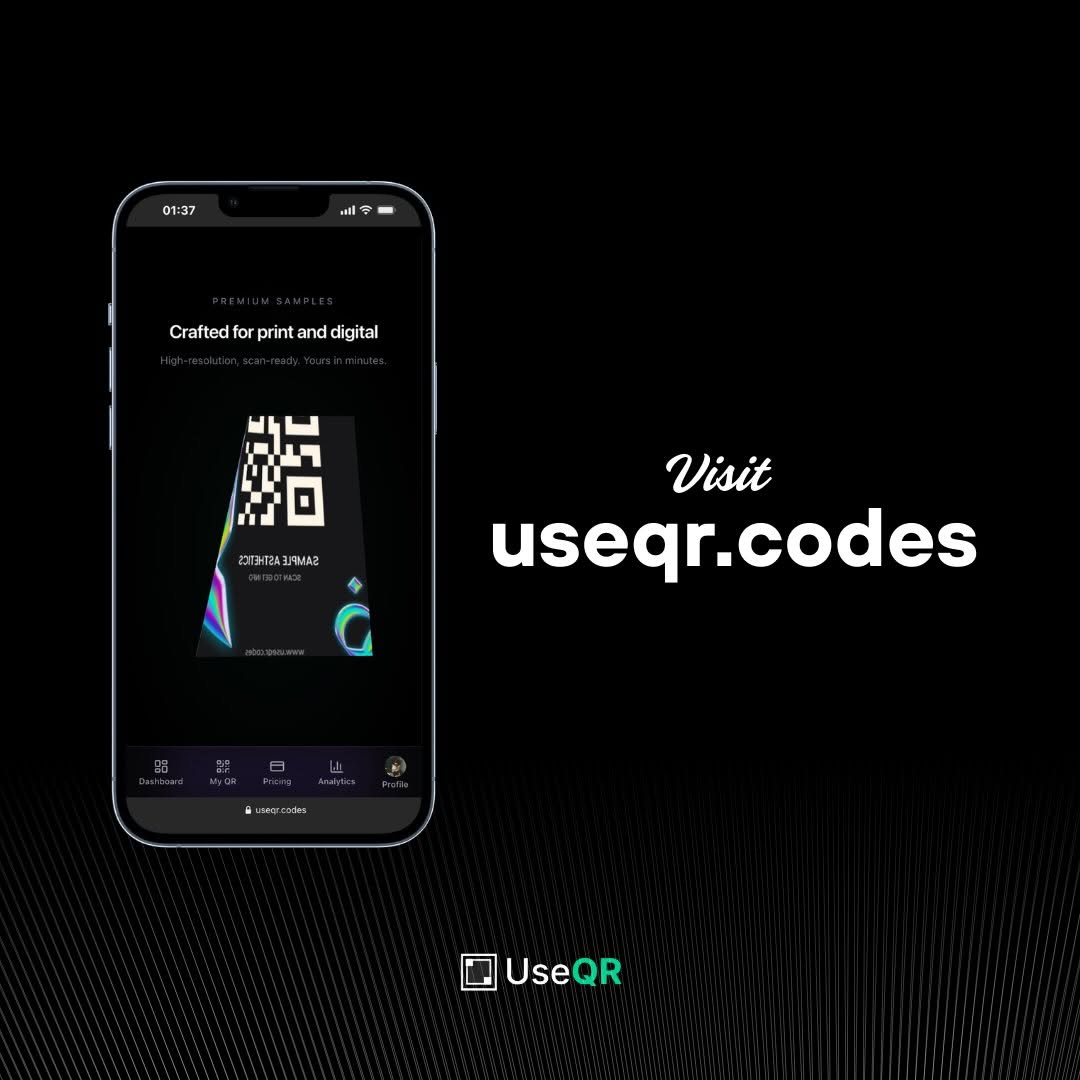
Manage all your QR codes in one place—ideal for multiple events or campaigns.
Takeaways
- Dynamic QR codes let you change the destination URL without changing the QR itself—great for events and marketing.
- We use them for event check-in and tickets at SDIETTechies.
- For creating and managing dynamic QR codes, we recommend UseQR.
If you’re building a community or running events, giving dynamic QR codes (and a tool like UseQR) a try can make your life a bit easier and your check-in a bit smoother.